



aicut MCP
Make story episodes, videos, images and voiceovers directly from your prompts in Claude, Claude Code and Cursor
Grab your server link
This is aicut's MCP address. Tap it to copy, then keep it handy.
Add it to Claude
Open Settings, then Customize, then Connectors. Hit Add, choose Add custom connector, name it aicut and paste the link.
Approve and start creating
Hit Connect, sign in with your aicut account and choose Allow access. That is it - your first video is one prompt away.
What you can make
Type one sentence. Claude shows the price before anything renders, and nothing is made until you say go.
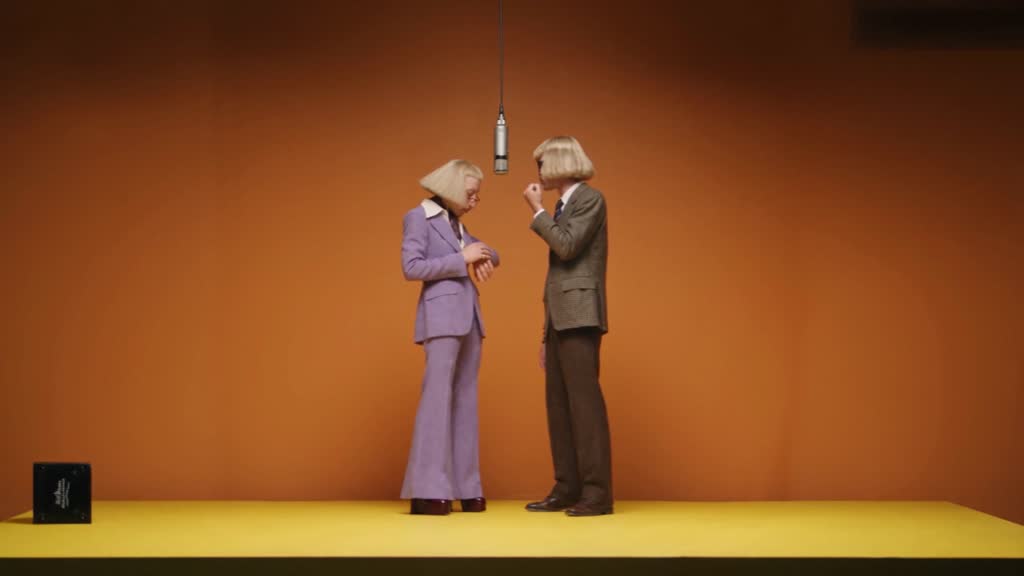
Put your product in any viral video
Your product, character or outfit swapped into a clip that already works.
/reshot_videoTransforms17 tokens (about $8.50) for a 15-second clip at 720p · Recipe:
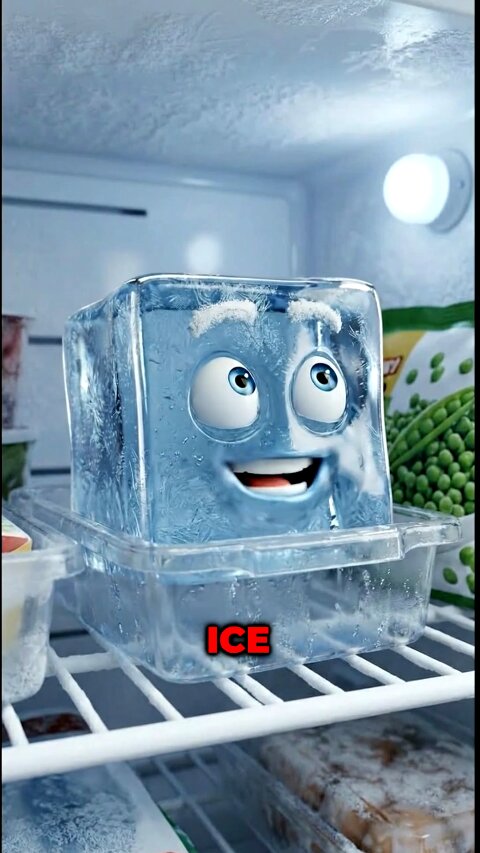
reshotClaude makes your ads
A product pitch where the product itself does the talking.
/generate_cast/generate_story_video/fire_story_video/render_story_videoStories10.4 tokens (about $5.20) for 32 seconds, plus a few cents to render · Recipe:
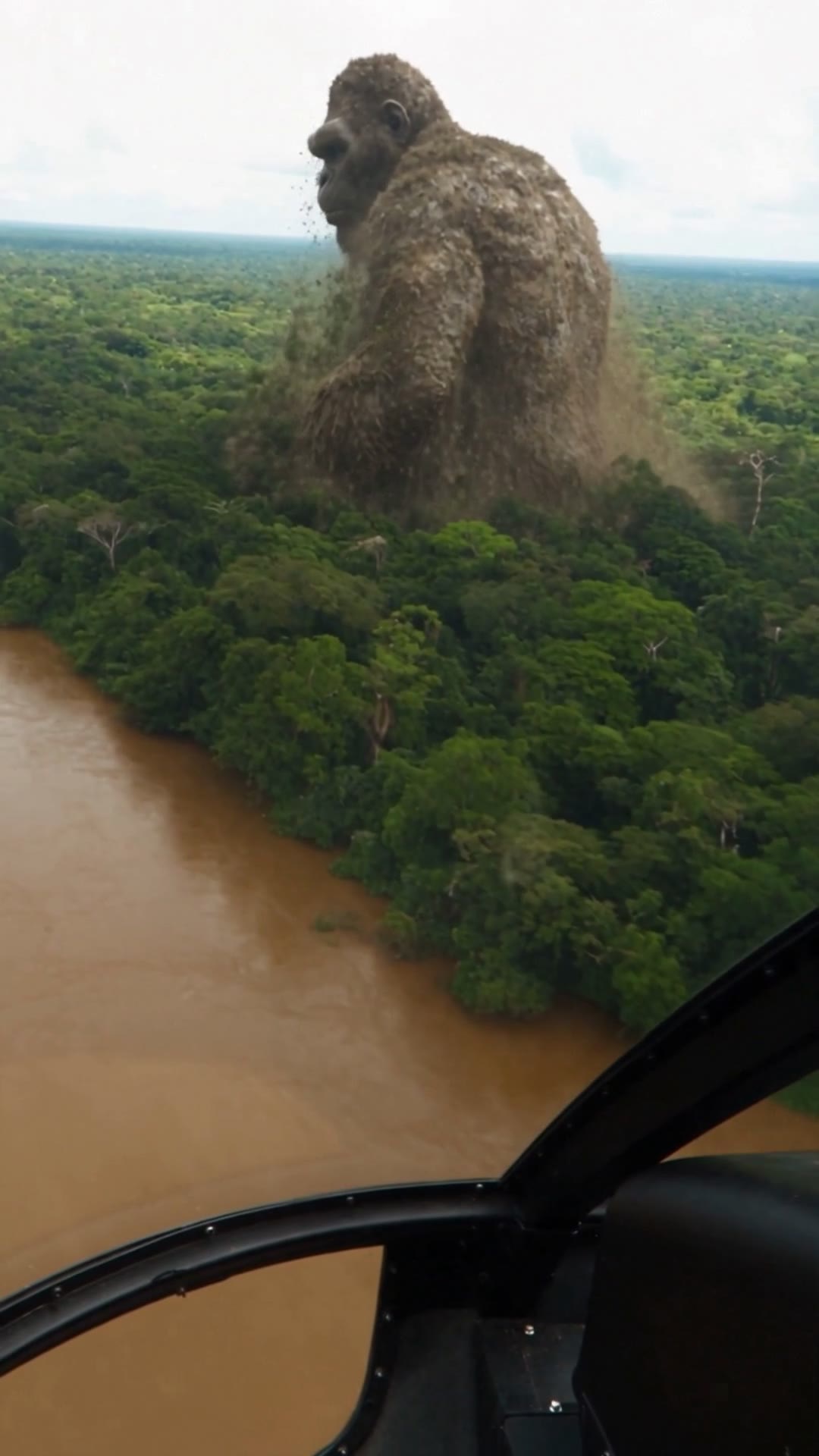
story-episodeStory episodes from one idea
A full multi-scene episode, written, cast and rendered from a sentence.
/generate_cast/generate_story_video/fire_story_video/render_story_videoStories10 tokens (about $5.00) for a 30-second episode · Recipe:
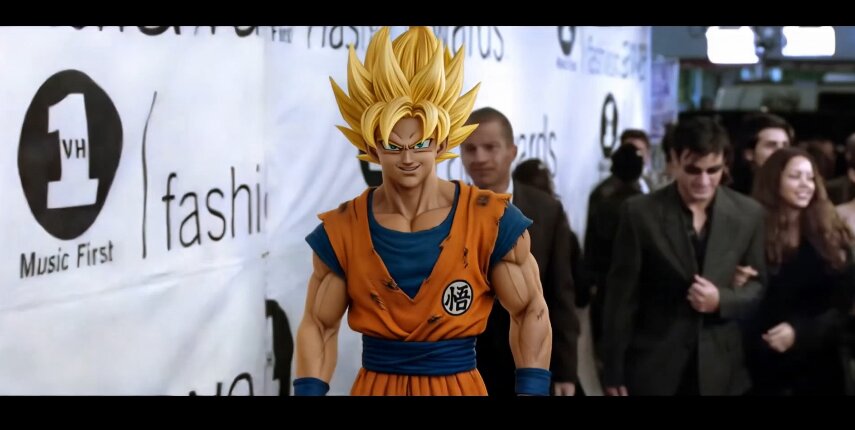
story-episodeRestyle footage you already have
Same camera, same moves, a new cast, outfit or setting.
/edit_videoTransforms5 tokens (about $2.50) for a 10-second clip at 720p · Recipe:
restyleTrends in one sentence
A viral format made for you, no prompting skills needed.
/list_niches/generate_from_nicheFormats4 tokens (about $2.00) per clip · Recipe:
niche-run


Post it without leaving the chat
Straight to TikTok, Instagram or YouTube, now or on a schedule.
/prepare_post/review_post/publish_postPublishingFree - you confirm the post in Claude first

59 tools, one connection
Everything your assistant can reach once you have approved it. Generating spends tokens from your normal aicut balance - the marked ones are the calls that do.
Catalog and account
What is available, what it costs, and what is already in your library.
list_modelsThe curated video, image and audio catalog with the exact cost of every settings combination.get_balanceTokens left on your account, and your plan tier.list_voicesThe whole voice catalogue: ElevenLabs stock and your own cloned voices, and OpenAI.list_charactersYour uploaded characters and generated story cast members, in one list.list_seriesThe AI Video Story catalog: which series an episode can be made in, with lengths and prices.list_series_ideasOne series' curated episode ideas.get_recipeStep-by-step recipes your assistant reads before a flow: a first video, image or voiceover, a story episode, a niche, a talking avatar, a Reshot or a restyle.browse_seriesPuts the series catalog on screen as a grid of covers whose demo clips play in place.
Video, image and audio
The single-generation tools, and the two ways to watch a job finish.
generate_videoSpends Starts a video generation and hands back a job id.get_videoOne video by id, with its status and finished link.list_videosYour recent videos.delete_videoDeletes one of your own videos.generate_imageSpends Generates an image, usually finished in the same call.get_imageOne image by id.list_imagesYour recent images.generate_audioSpends A voiceover, a music track or a sound effect, chosen by model.get_audioOne audio job by id.list_audioYour recent audio.wait_for_generationThe long poll: waits and answers whether a job is done.show_generationReplays an earlier generation you ask to see again.
Transforms
Working from media you already have. What our side measures IS the price: a clip's length, a picture's dimensions, an audio's length. Media we cannot measure is refused before anything is charged.
upscale_videoSpends 2x or 4x an existing video.upscale_imageSpends More pixels in a picture you already have, from a choice of three upscalers. Same image, not a new one.extend_videoSpends Continues an existing video by a chosen number of seconds.motion_controlSpends A character picture plus a reference clip, and the character performs that clip's motion.generate_lipsyncSpends A character picture plus audio you generated here, and the character speaks it, lip-synced.edit_videoSpends The same 3-10 second clip with what you describe changed - new cast, clothes or setting - while the camera, timing and motion stay as they were.reshot_videoSpends A 4-30 second clip remade with your own subject: swapped into the shot, or performing the clip's moves.list_reshot_templatesThe Reshot gallery clips, each with who is in it, where and when, ready to remake with your subject.
Video and image analysis
Reading a video or an image instead of making one. Spends no tokens, and is capped per day.
analyze_videoReads a video you point it at and tells you what is in it.get_analysisOne analysis by id.list_analysesYour recent analyses.image_to_promptWrites a prompt that recreates an image you point it at, ready for image generation.
AI Video Story episodes
A full episode, in stages you approve as you go: the cast is written free and its portraits are bought, the start frames are charged and park for your review, firing buys the scene videos, and rendering buys the final file. Nothing large is bought in one blind step.
generate_castFree. Writes a story cast for a series and shows it to you. Mints nothing.generate_cast_portraitsSpends Buys one image per cast member and saves the roster to your library.regenerate_cast_portraitSpends Redraws one cast member's face.describe_cast_memberSpends Changes what one cast member is, then redraws them.generate_story_videoSpends Stage 1: writes the episode, generates the start frames and parks for your review.regenerate_story_frameSpends Redraws one parked start frame.change_story_sceneSpends Changes what happens in one parked scene, then redraws its frame.remove_story_sceneFree. Removes a parked scene, so its video is never generated and never charged.fire_story_videoSpends Stage 2: generates the scene videos for the scenes you kept.render_story_videoSpends Stage 3: the final render.
One-call formats
These write and render in a single call: no approval stage, no separate render.
list_nichesaicut's one-shot trending formats: each made from a few answers, each at one price.generate_from_nicheSpends Makes a video in one of those formats, from your answers.generate_fake_text_videoSpends The fake-text chat story. Your assistant writes the messages; we speak, measure and render them.generate_image_storySpends The AI image story. Your assistant writes the narration; we write the prompts, draw every scene and render it.list_image_story_stylesaicut's authored image-story looks. Picking one changes the price, so re-ask for an estimate.
Publishing
Sending a finished video to a connected account. Preparing and reviewing publish nothing - only the last one posts.
list_social_accountsThe TikTok, YouTube and Instagram accounts you have connected.import_videoBrings in a video you did not make on aicut - your own upload or a link - so it can be posted too.prepare_postStages a post of one of your finished videos. Publishes nothing, and expires after 30 minutes.review_postShows you the actual video, the destination account and the caption controls before anything is sent.publish_postSends or schedules the prepared post. The one step that cannot be taken back.get_post_statusWhat the platform says happened, from prepared through to posted.
Trends
What is working right now, and how to make your own version of it.
list_trendsaicut's published trend feed.get_recreate_briefHow to recreate one trending video.
Your own footage
Getting a file off your machine and into a generation.
upload_media_widgetThe in-chat file picker: you choose a file and it uploads and checks it for you.upload_mediaA signed upload target for a file on your own machine.confirm_uploadChecks the uploaded file is really what it claims to be, and refuses it if not.list_uploadsYour recent uploads, so the agent can use a file you just picked.
For developers and coding agents
Three ways in, one aicut account and one token balance.
MCP
Claude, ChatGPT, Cursor, Claude Code
Add the connector once and sign in with your aicut account. Nothing to install and nothing to paste but the address in the connect steps above.
CLI and skills
Coding agents and terminals
A command line that makes video, images and audio, and skills that teach Claude Code, Codex and Cursor to use it. Every job is priced first and nothing is spent until you say go.
API
Apps you build
A documented HTTP API for building aicut into your own app. It is not open yet.
Got any questions left?
The ones people ask before connecting.